AI Ghost Mannequin Generator for Flat Garment Photos
Upload one photo of a garment — flat on a bed, on a hanger, or worn by a model. The AI ghost mannequin generator detects each item, then rebuilds it as if worn by an invisible body: real volume, the inside of the collar and cuffs visible, no mannequin and no background clutter.
Images are generated with GPT Image. Results are AI output and may differ from the physical item in your photo.
Drop a photo of the garment, or click to browse
JPG, PNG, WebP or BMP · one photo at a time
This tool uploads your photo to our server and our AI providers — unlike the free tools, which never leave your device.
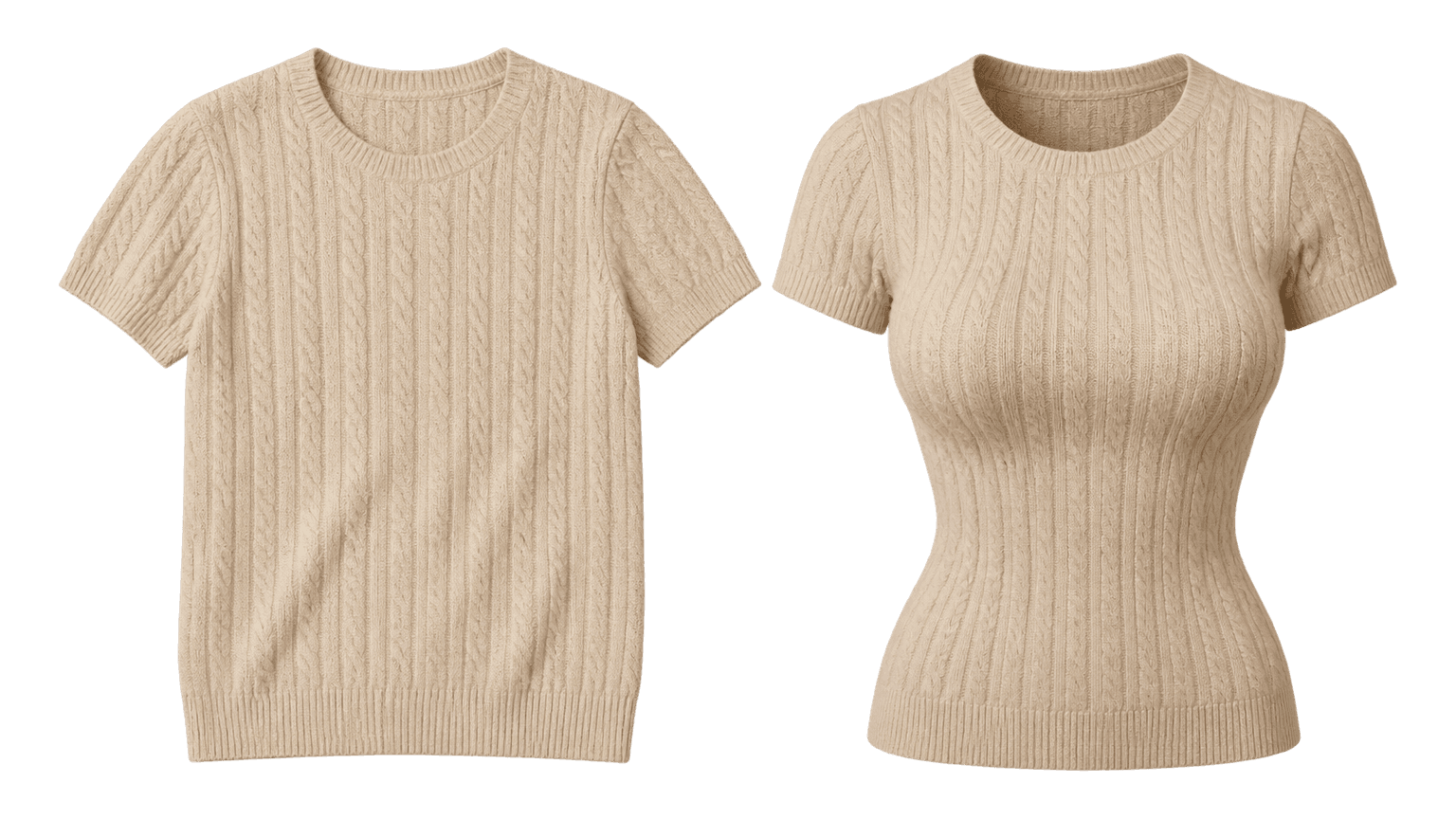
Left is the original photo, right is the same garment generated. That is what "hollow" means: volume, no person.
How to use the AI ghost mannequin generator
- 1
Upload one photo
A flat lay, a hanger shot, or a photo of someone wearing it. Plain backgrounds help, but busy ones are handled too.
- 2
Check what we found
We box every garment we can see and list it. Untick anything you don't want, and rename items if you use SKU codes.
- 3
Choose hollow or lined
Hollow for shirts and knitwear, lined for jackets and coats. It decides what is visible inside the neck opening and cuffs — the garment's own inside panel, or a lining. It has nothing to do with how flat or three-dimensional the result looks.
- 4
Generate and check
Each garment is generated separately. If one comes out wrong, regenerate just that one — you are charged per image, not per batch.
- 5
Download
Save each result on its own, or send it straight on to watermark or compression with the same file. The “what’s next” links below take these results straight there — no re-upload.
When the AI ghost mannequin generator pays for itself
You shoot on a bed, not in a studio
Small sellers photograph stock on a mattress with a phone. The shape is right but it reads flat next to a proper studio shot. This closes that gap without a reshoot.
Marketplace rules demand a clean main image
Amazon wants a pure white background at 2000px with the product filling most of the frame. The generated shot already meets the composition rules.
One photograph, many SKUs
A single photo of a layered outfit becomes a separate product shot per garment, which is what a listing actually needs — one image per SKU.
A new colourway arrives with no studio budget
Photograph the sample flat and publish it the same day. New colour, no reshoot, no model.
Marketplace main-image requirements
These are the constraints the generated image is framed for.
| Marketplace | Minimum long edge | Background | Product fill |
|---|---|---|---|
| Amazon | 2000 px (1600 px minimum) | Pure white RGB 255,255,255 | 85% of the frame |
| Shopify | 2048 px | White or light grey | Roughly 80% |
| Taobao / Tmall | 800 × 800 px | White | Centred, equal margin |
| eBay | 1600 px | White or light grey | At least 80% |
| Etsy | 2000 px | Any; white converts best | Centred |
Which interior setting to use
Getting this wrong is the most common reason a ghost mannequin image looks like the back of a shirt.
| Garment | Interior setting | Why |
|---|---|---|
| T-shirt, shirt, knitwear | Hollow | There is no lining; the neckline should show the inside back of the garment |
| Jacket, blazer, coat | Lined | Real garments have a lining that is visible at the collar and cuffs |
| Dress | Hollow | Lining only if the dress is actually lined — check the garment |
| Trousers, jeans | Hollow | The waistband interior is what sells the volume |
| Thin or sheer fabric | Hollow | A lining would be invented rather than observed |
What this cannot do
- It does not put a model on the image. No body, no face, no hands — that is a different product with different legal requirements.
- It cannot recover detail that was never photographed. If a sleeve is behind the body, that sleeve is generated, not copied.
- It cannot invent the back of a garment. A front photo contains no back construction, so no back view is offered.
- It does not recolour, restyle or substitute the garment. Logos, prints, buttons and hardware are preserved; if the model changes them anyway, that is a defect and should be regenerated.
A ghost mannequin app you do not have to install
Most people searching for a "ghost mannequin app" are looking for something to install on a phone. This works on a phone — without installing anything: open the browser, upload a photo, generate. No version to keep up with.
That difference is not cosmetic. A native app is limited by store rules and the review cycle, so features usually get cut down to the safest subset. The web version runs the whole flow: detect several garments at once, tick the ones you want, and regenerate a single item.
If you prefer an icon on your home screen, add it: "Share → Add to Home Screen" in iOS Safari, or "Add to Home screen" in Android Chrome. It opens full-screen like an app, and it is always the same version as the website.
Need something else?
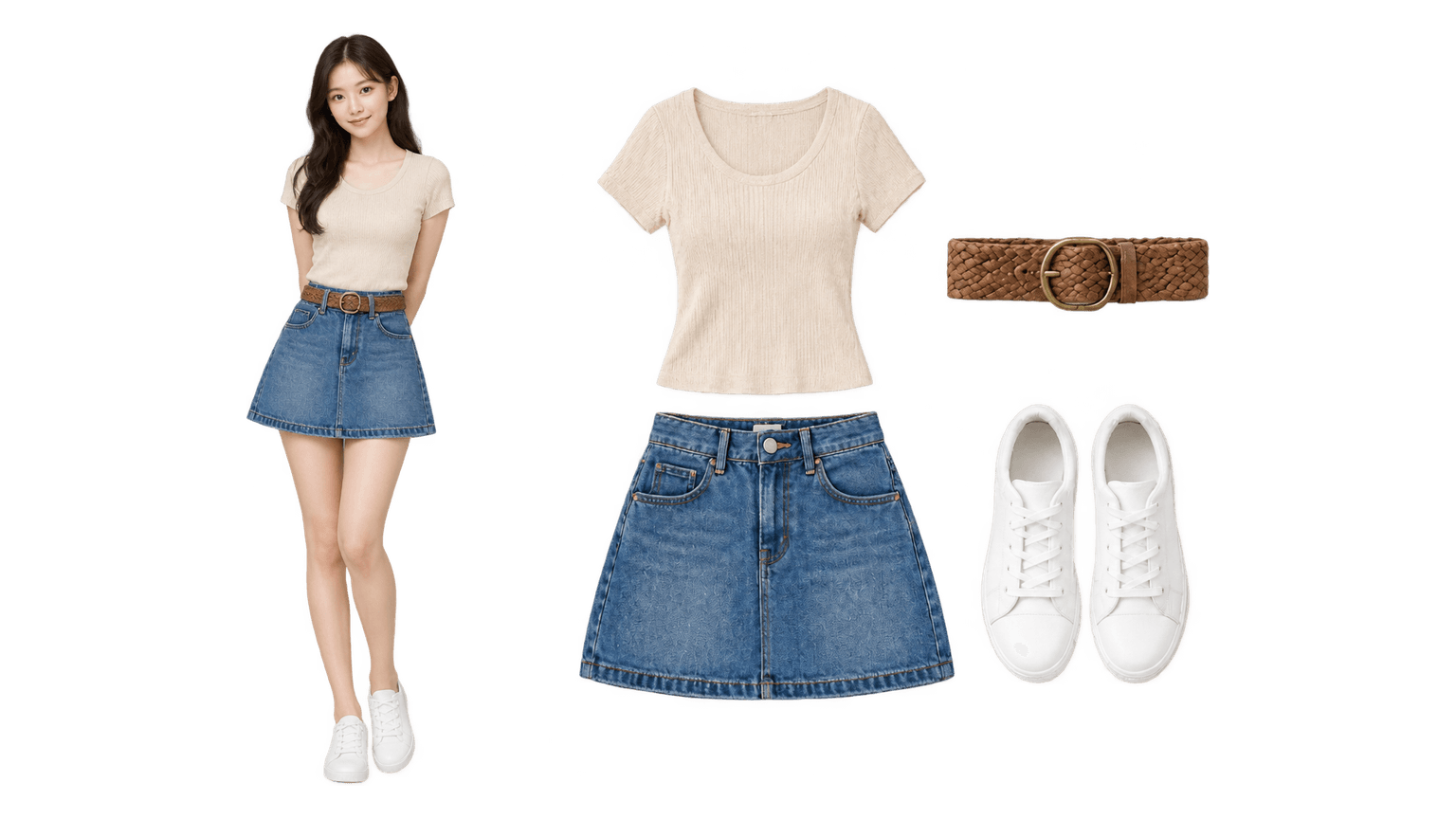
Want a top-down flat lay? Use the flat lay generator
From the same worn-outfit photo, the flat lay generator rebuilds each piece as a straight-down flat lay on a clean background — one image per item, plus an optional whole-outfit shot for social. Built for size charts, SKU lists and outfit content.
Open the flat lay generator →Bulk-editing local photos? Use the free tools
Resize, crop, compress, watermark and convert need no AI and no upload — everything runs in your browser, twenty files at a time, no account required.
See the free batch image tools →Questions we actually get
What is an AI ghost mannequin generator?
A tool that rebuilds a flat, hanger or on-model photo into the look of a garment worn by an invisible body. It is not cut-out-and-paste: the model redraws the item with its own colour, fabric and logo, so the collar shows its inside and the shoulders hold their shape instead of lying flat.
How is this different from hiring a photographer for ghost mannequin shots?
A real shoot records the item; a generator reconstructs it. That means logos, stitching and prints still need checking per item. What you save is the shoot, the sample shipping and the scheduling — not the review step.
Is the result reliable enough to publish without checking?
No. Generated detail is a reconstruction, not a measurement — always compare against the physical item, especially logos, stitching and prints. We mark reconstructed areas so you know where to look.
What happens if a garment comes out wrong?
Regenerate that one item. You are charged per image, so retrying one garment in a six-item batch costs one image, not six. A generation that fails outright is refunded automatically.
Can I use a photo with a person in it?
Yes, as long as you own it or have permission from the person in it — the uploader asks you to confirm this. The person is never reproduced; only the garments are kept.
Do the credits expire?
No. Credits from a pack stay on your balance until you use them. Only the free credits given at signup expire, after 30 days.
Where do my photos go?
Unlike our free tools, this one uploads your photo to our server and to the AI provider that renders it. We keep the source photo for 24 hours and the result for 7 days, and we do not use either for training.